 ™
Show the screen
Full screen with the workstations locked, or in a window next to the student's own program: the teacher decides. The pointer is highlighted, with the name of the tool in use.
Fashion Scuola™ · Teaching in the lab
Fashion Scuola™, the school edition of Fashion Core™, has a “Lesson” item: the teacher shows their screen to the class, hands out exercises and marks them in the program, sets a class test with a different exercise for every student and keeps the register. Students find everything in “My exercises”, at home too.
Lesson mode and the teacher's manual are a dedicated offer for schools.
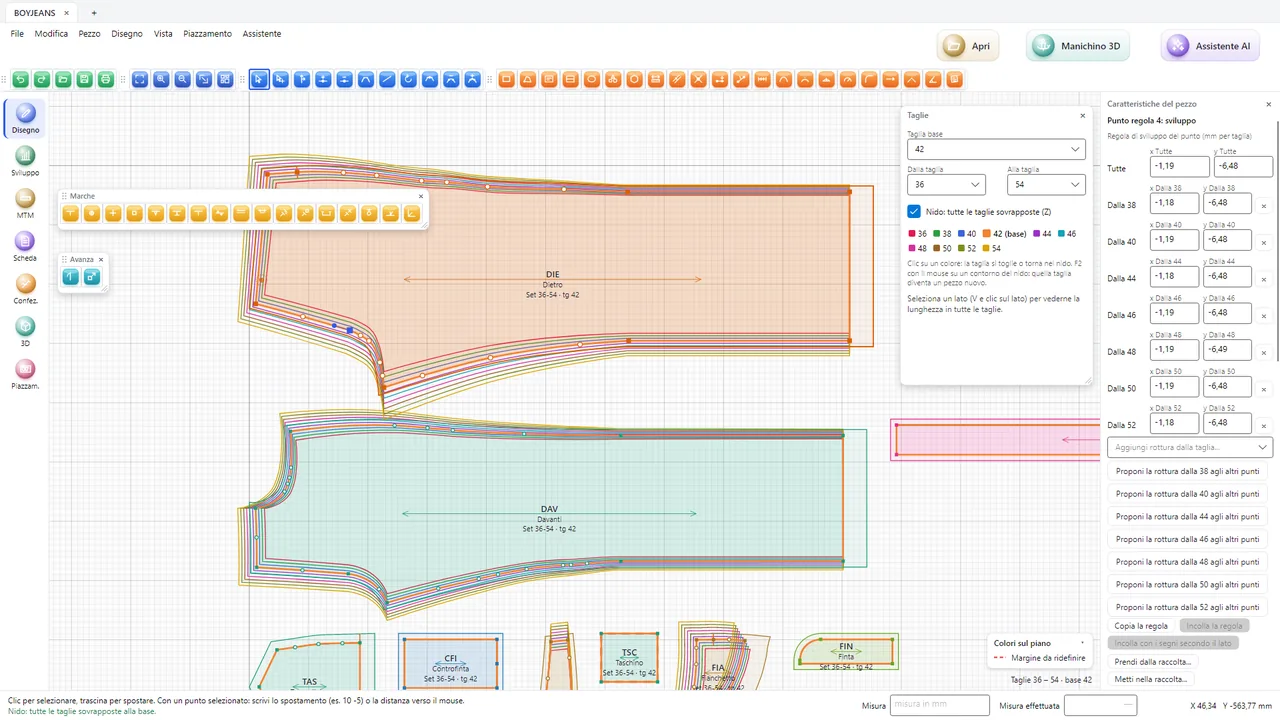
In a CAD lab the teacher explains a step and thirty students need to see it clearly. With the live lesson the teacher's Fashion Core™ appears on every screen, and the teacher sees how each student is doing. Everything runs over the lab's network.
Full screen with the workstations locked, or in a window next to the student's own program: the teacher decides. The pointer is highlighted, with the name of the tool in use.
Thumbnails of the whole class's screens, to follow whoever is struggling. Students “raise their hand” from the program and the teacher sees it at once.
One student's work shown to the whole class with a click: to praise it or to explain a common mistake.
Every teacher creates their own exercises as they like (brief, starting pattern and solution), keeps them in the school's archive and shares them with colleagues.
Every student gets a different exercise at the same level of difficulty: measurements, the change to make, sizes or fabric vary from desk to desk, so everyone does their own work.
The teacher logs in with their own user from any workstation; students are grouped by class, also taken from the portal with the password sheet; lessons, hand-outs and collections are by class. It runs from the lab's server, with Windows and Mac workstations, and the work is encrypted with the school's key.
Selected work in one PDF, with the pieces, the pattern sheet, 3D images, fashion figures and flats: for the final exam, job interviews and families. Students make it themselves, at home too, or the teacher makes it for the whole class.
After months of exercises the practice company is full of trials: the teacher restores it from a snapshot, without the technician. Users, classes, grades and register stay.
Students see hand-outs, deadlines, grades and the teacher's notes, in the program and in the “Fashion Scuola” app on the phone.
We come to your school, or connect online, to show teaching with Fashion Scuola™ to the pattern-making teachers and build the path together.