™
Automatic grading
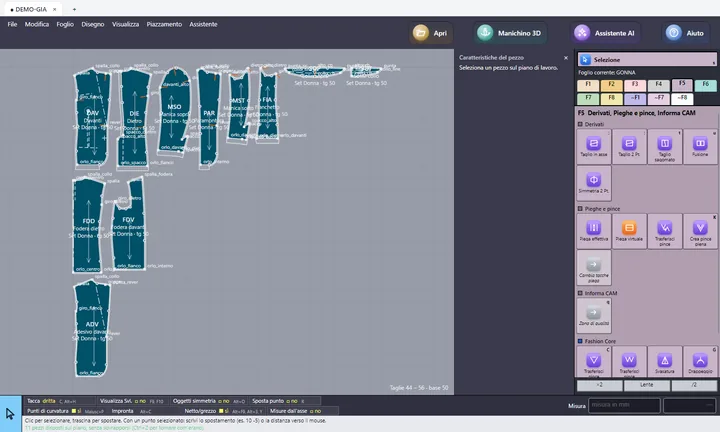
“Grade from this point” with the Fashion Core zone method, and grading from the 3D avatars.
Fashion Studio™ · pattern-making studios
CAD with 3D, grading and marker making, customer jobs with the hours, delivery of the patterns with the finished garment measurements, and invoices. Plus the design studio and made to measure. The menu shows only what a studio needs.
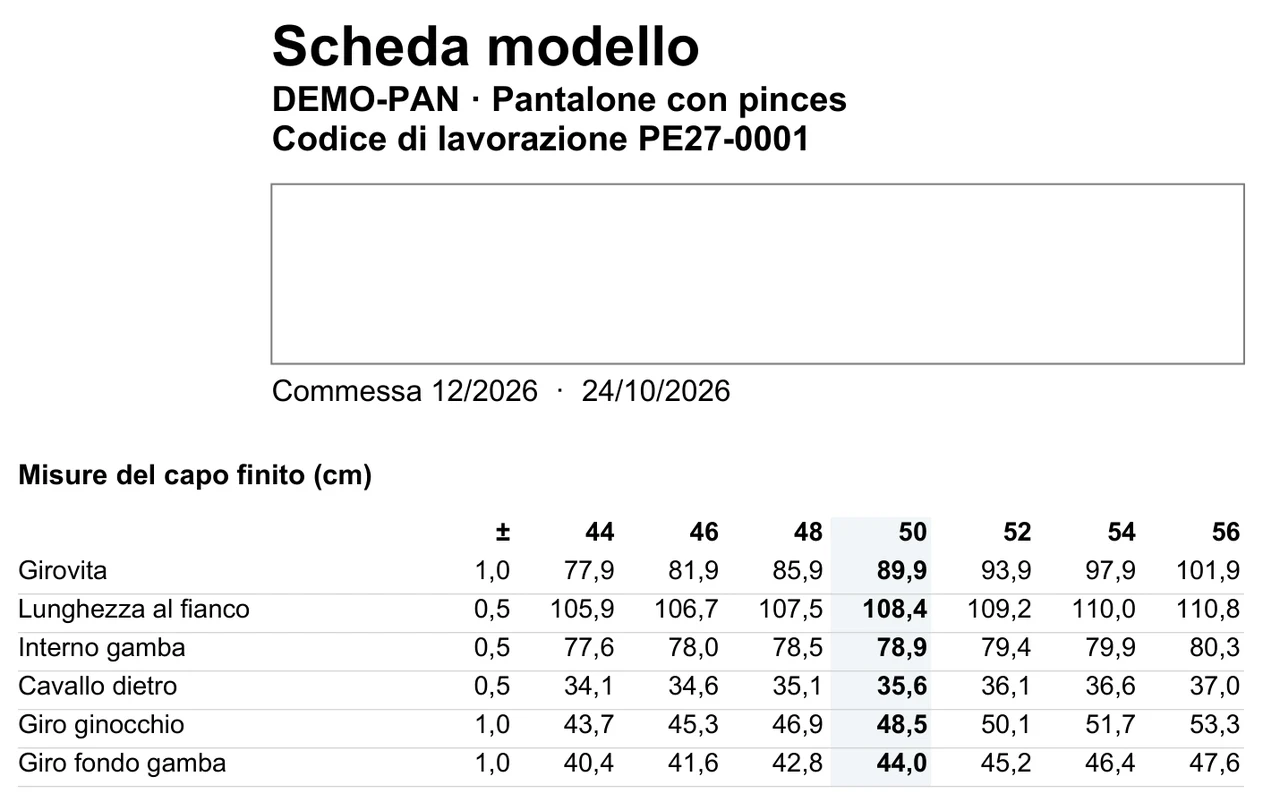
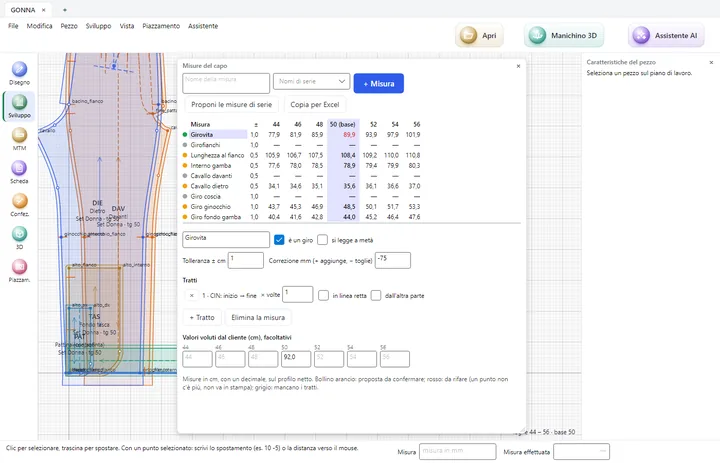
Waist, side length, inside leg, rise, knee, hem: the program calculates them from the pattern pieces in every size, on the net outline, with the tolerance of each measurement. For the most common garments it suggests the standard measurements by itself.
If the customer gave you target values, you type them alongside: anything outside the tolerance shows in red, before delivery. The measurements go into the customer pattern sheet, the CMT work sheet and the tech sheet: no more tables redone by hand.
The features that do the pattern maker's work are only in Fashion Studio: manufacturers cannot have them, not even for a fee. Whoever works with you knows that the pattern is made by you.
“Grade from this point” with the Fashion Core zone method, and grading from the 3D avatars.
Bodice, sleeve, skirt and trousers from the measurements of a size chart or of the customer, already graded.
Start from a ready style, with pieces, sizes and grading, instead of a blank sheet.
From the photo of a garment, two pattern proposals side by side to start from, and the 3D fitting with the photo behind.
Change a measurement or pull the fabric on the avatar and the change goes back to the pieces; “Fit to another avatar” for a new customer.
Everything the customer needs in one folder, with the pattern sheet layout chosen for them.
You lay out the page with the mouse: the studio's logo and details, the customer's logo and details, the garment drawing, the table of pieces, the finished garment measurements, notes. You can save a different layout for each customer: on delivery the program picks the right one by itself.
If the customer uses Fashion Core™, the package arrives in their program as a new version of the style, without ever overwriting theirs.
Pieces, sizes, measurements and markers on the same work desk, on Windows and on Mac.