 ™
Native, not emulated
It installs and opens like any Mac program: no virtual machine and no Windows licence to buy.
Pattern-making CAD · Mac
Patterns, grading, marker making and production management in one program, native for Mac. No Windows in a virtual machine, no second computer.
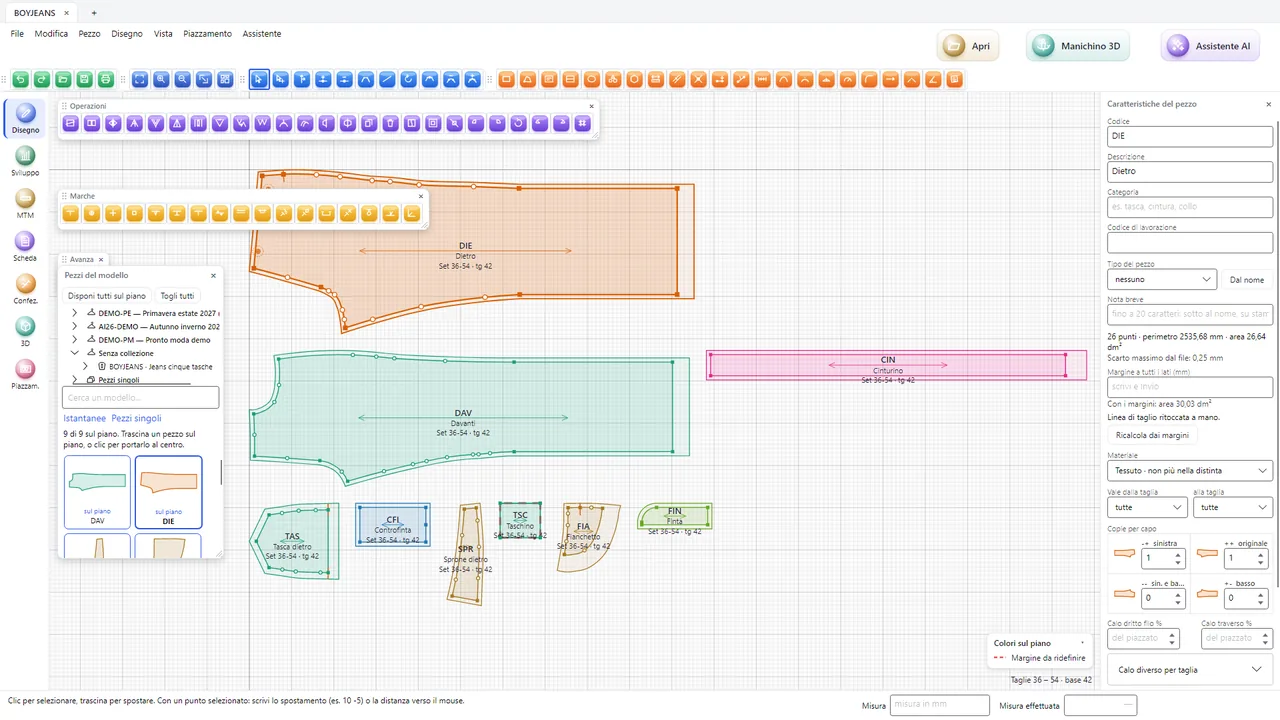
Many pattern makers, studios and students work on Mac, but apparel CAD systems are almost all Windows only. Fashion Core™ is written to run on both: same program, same files, same features.
It installs and opens like any Mac program: no virtual machine and no Windows licence to buy.
Mac and Windows workstations connected to the same server work on the same patterns, markers and documents.
Cmd+C and Cmd+V to copy pieces, Ctrl+click for the quick menu, printing that goes through PDF and opens in Preview.
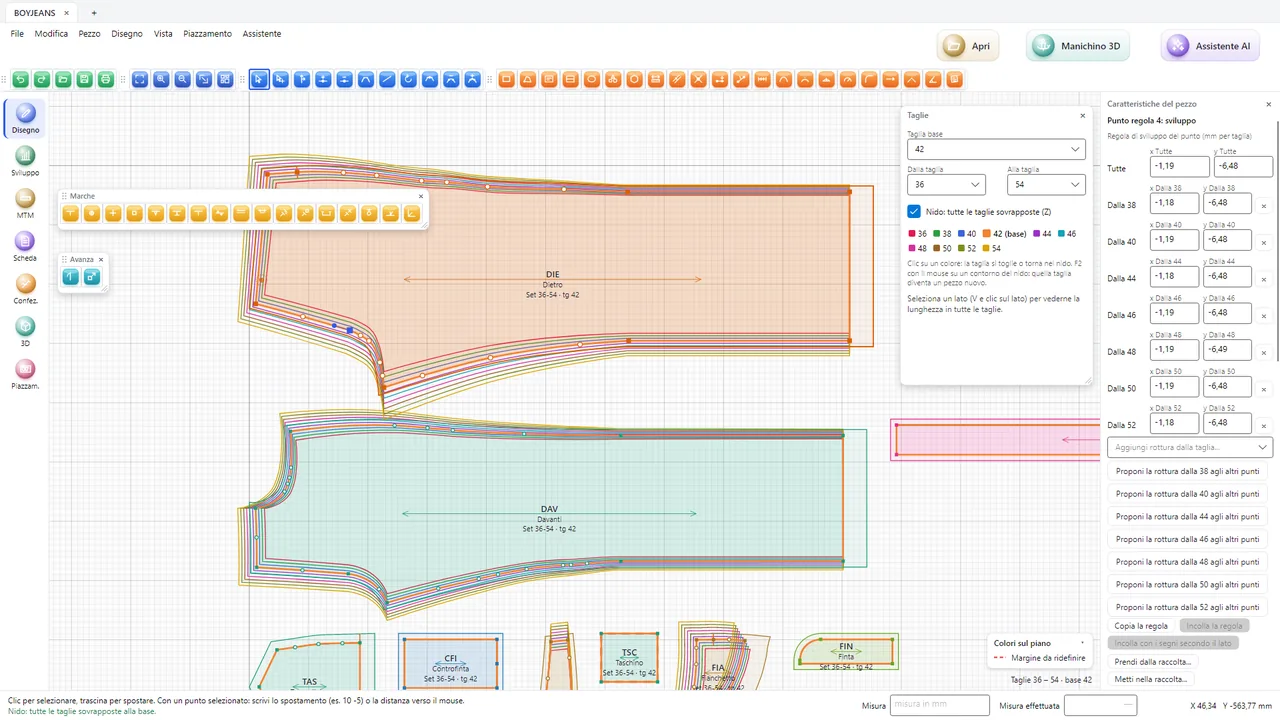
Those who work on Mac and keep a PC just for the CAD. See pattern-making studios.
Mixed labs and students with their own Mac at home, with the student licence. See fashion schools.
Design and pattern making on Mac, stock and administration on Windows: one management system. See the management software.
Yes. Fashion Core™ is a Mac program, not a Windows version inside a virtual machine: CAD, grading, marker making and management.
Yes. Mac and Windows workstations connect to the same server and work on the same patterns, markers and documents.
We show you the CAD and marker making on Mac, with your own DXF-AAMA patterns if you like.